Protect your privacy with BlurIt — the most intuitive professional image blur editor.
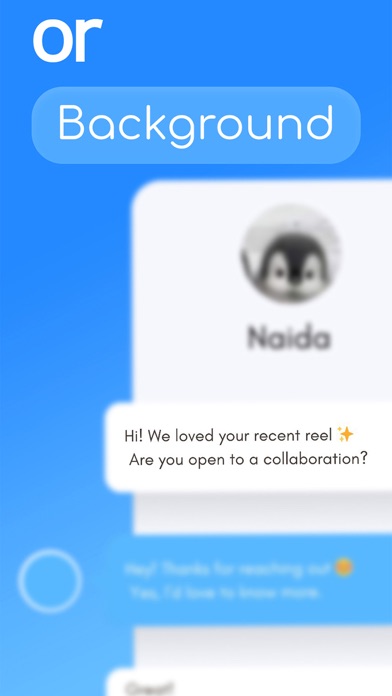
Quickly hide sensitive information, censor faces, or protect personal data in your photos before sharing. Whether it’s a screenshot with private details or a photo with a background you want to hide, BlurIt makes it effortless to blur what matters while keeping the rest clear.
KEY FEATURES
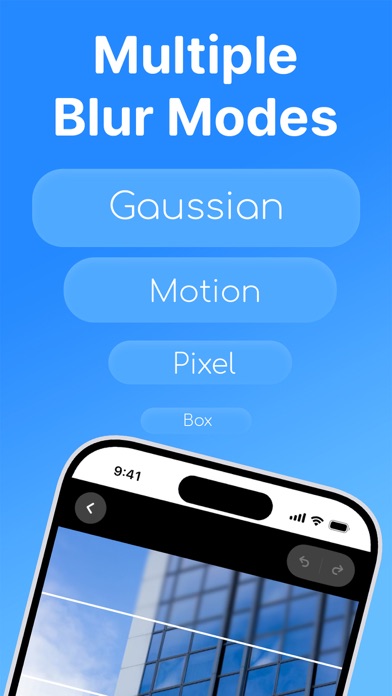
6 Professional Blur Modes
Blur: Smooth, standard privacy effect
Mosaic: Classic blocky censorship style
Gaussian: High-quality, soft aesthetic blur
Pixelate: Retro pixelated effect
Glow: Glowy effect
Motion: Dynamic directional blur
Precise Editing Control
Adjustable Strength: 20 levels of blur intensity
Custom Brushes: Sizes ranging from 10 to 60 pixels
Pinch to Zoom: Perfect for detailed, high-precision editing
Inverted Mode: Easily blur everything EXCEPT what you want clear
Smart Utility Tools
Share Integration: Open images directly from your Gallery or other apps
Instant Export: Save directly to your library or share via social media
Privacy First
100% On-Device: Your images never leave your phone
No Cloud Uploads: Complete local processing for maximum security
Offline Functionality: Edit anywhere, anytime without an internet connection
PERFECT FOR:
Hiding addresses or phone numbers in screenshots
Protecting ID cards or sensitive document data
Blurring faces in social media posts
Censoring private details for work or business sharing
Privacy & Security:
Your privacy matters to us. BlurIt processes all images locally on your device. We don't collect, store, or transmit your images to any servers. Your photos stay yours.
Support: Have questions or feedback? We're here to help! Contact us
Privacy Policy: https://blurit.xyz/privacy-policy
Terms of Service: https://blurit.xyz/terms-of-service