Mobile App WikiMobileAppWiki
    Back to Apps
    Plan to Eat icon

    Plan to Eat

    Hidden Gem

    Streamline meal planning with Plan to Eat! Organize recipes, auto-generate shopping lists, personalize plans & share meals. Try 14-days free!

    food
    4.8
    N/A
    iOS
    Free
    Honest Take

    + Users praise its comprehensive meal planning, recipe import, freezer management, and organized shopping lists for complex dietary needs.

    No major issues reported; the provided feedback is overwhelmingly positive and highlights various benefits.

    This page contains affiliate links. Learn more

    Screenshots

    Plan to Eat screenshot 1
    Plan to Eat screenshot 2
    Plan to Eat screenshot 3
    Plan to Eat screenshot 4
    Plan to Eat screenshot 5
    Plan to Eat screenshot 6
    Plan to Eat screenshot 7
    Plan to Eat screenshot 8
    Plan to Eat screenshot 9
    Plan to Eat screenshot 10

    Swipe to view more screenshots

    About Plan to Eat

    Overview

    Plan to Eat is a comprehensive meal planning application designed to streamline the entire process of organizing your meals, from recipe collection to grocery shopping. It aims to transform the often-daunting task of meal planning into an enjoyable and efficient experience. The app centralizes all your culinary information, allowing users to import recipes from the web or manually enter beloved family dishes.

    Beyond just storing recipes, Plan to Eat offers robust planning tools that enable users to create personalized meal schedules, adjust serving sizes, account for leftovers, and track frozen meals, catering to individual needs and busy lifestyles. A standout feature is its intelligent shopping list generator, which automatically compiles an organized grocery list based on your planned meals, significantly simplifying the shopping process. The app also fosters community, allowing users to share recipes and menus with friends and family, and ensures all data is seamlessly synchronized across multiple devices for convenient access anywhere, anytime.

    New users can explore the full capabilities of Plan to Eat with a 14-day free trial, requiring no payment information at signup. Following the trial, access to its extensive features is available through an annual subscription, making it a valuable tool for anyone looking to embrace more organized and joyful meal planning, save money, and effortlessly share culinary creations.

    Key Features

    • Recipe Management: Consolidate all your recipes by importing from the web or entering them manually.
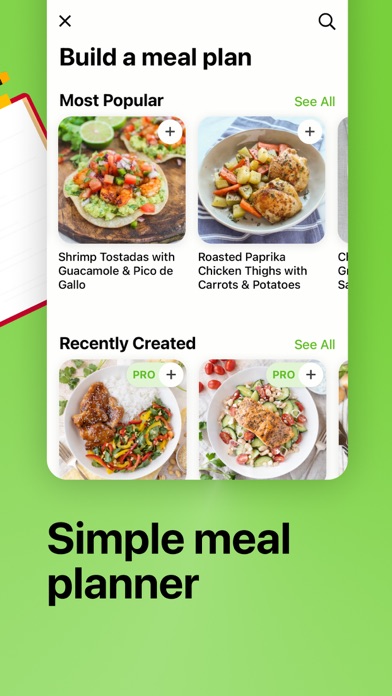
    • Personalized Meal Planning: Create flexible meal schedules, scale servings, and manage leftovers and frozen meals.
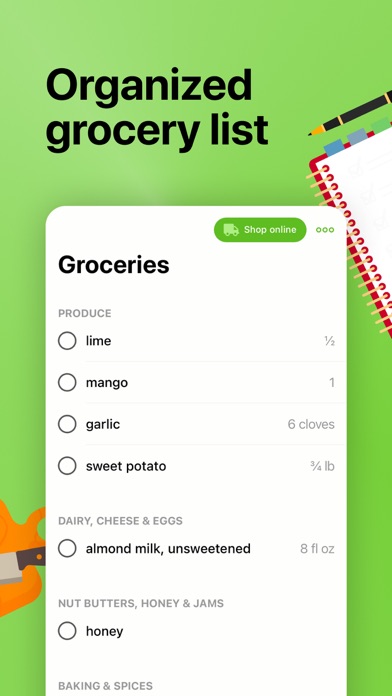
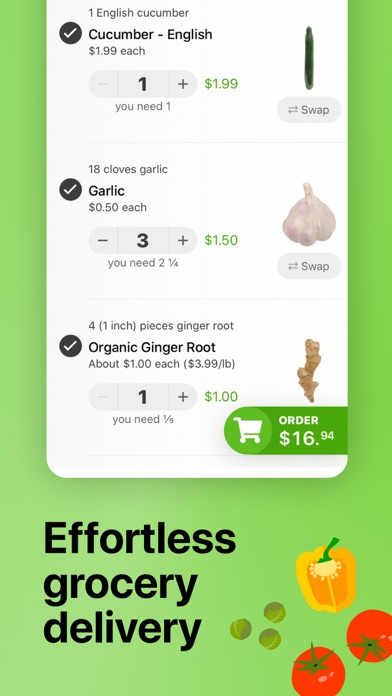
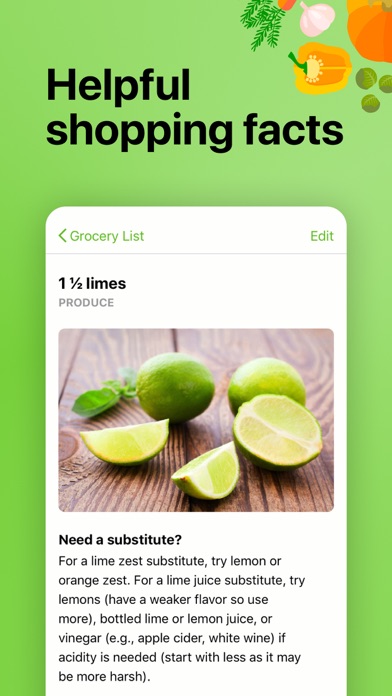
    • Automated Shopping List: Generates an organized grocery list based on your meal plan, with custom additions and categories.
    • Recipe and Menu Sharing: Connect with others to share recipes, saved menus, or send individual recipes via text/email.
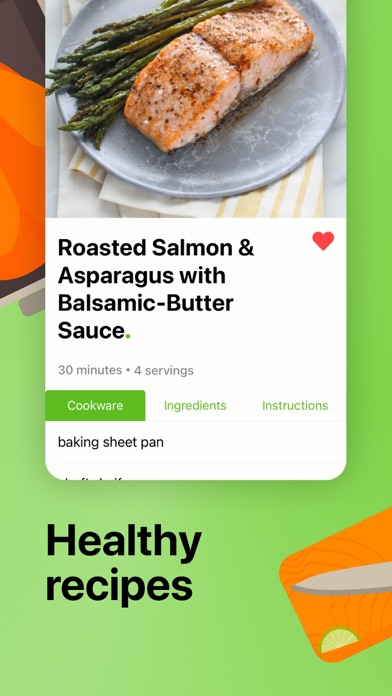
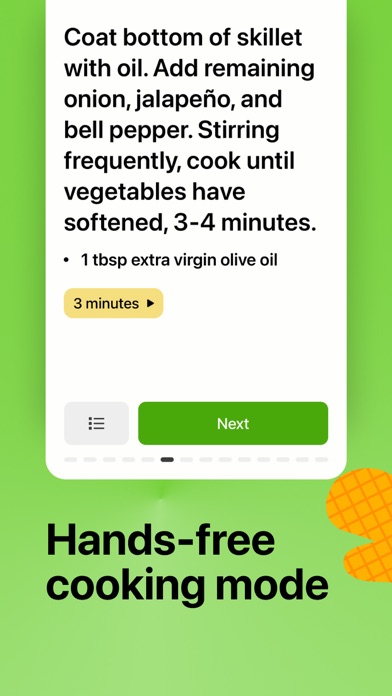
    • Step-by-Step Cooking: Access guided, step-by-step instructions for easy cooking within the app.
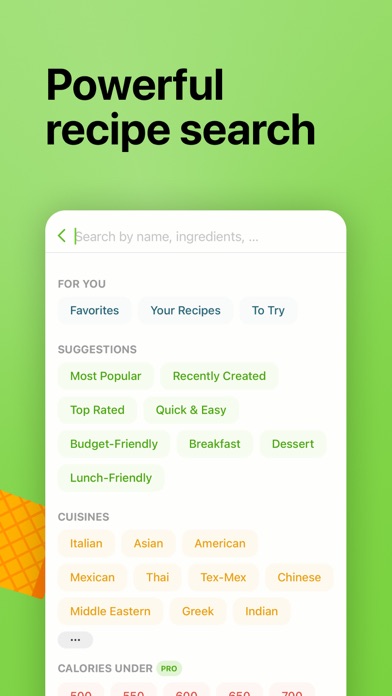
    • Advanced Recipe Search: Find specific recipes using various filters like ingredients, course, tags, and ratings.
    • Cross-Device Sync: Keep your recipes, planner, and shopping list synchronized across all your devices and family accounts.

    Who It's For

    Plan to Eat is ideal for individuals and families who want to streamline their meal preparation, reduce food waste, and save money on groceries. It's perfect for busy parents, home cooks who enjoy variety, anyone tracking their pantry or freezer contents, and those looking to simplify their grocery shopping. If you value organization, community recipe sharing, and easy access to your culinary world across all devices, this app is designed for you.

    Key Features

    Meal planning doesn’t have to feel like an inconvenience
    Plan to Eat is the meal planning app designed with the planner in mind
    Try Plan to Eat FREE for 14 days, no payment information required at sign-up
    After that, annual subscriptions can be purchased in the app

    Similar Apps

    Hidden Gem
    Recipe - Cooking,Meal Planner icon

    Recipe - Cooking,Meal Planner

    ## Overview Recipe - Cooking, Meal Planner is a comprehensive mobile application designed to transform the way users approach meal preparation. Boasting an impressive library of over 70 global recipes, ranging from Italian pasta dishes to intricate Japanese sushi, the app caters to a diverse array of culinary preferences and skill levels. Its core functionality revolves around simplifying the cooking process, offering more than just a collection of recipes; it provides an integrated system for meal planning and grocery shopping. The app's intuitive interface guides users through each recipe with clear, step-by-step instructions, ensuring even novice cooks can achieve delicious results. Beyond simply presenting ingredients and methods, it intelligently generates smart shopping lists based on selected recipes, streamlining the often-tedious task of grocery planning. This focus on user experience and practical utility makes Recipe an invaluable tool for anyone looking to organize their cooking, explore new cuisines, and minimize food waste. ## Key Features - **70+ Global Recipes**: Explore a diverse culinary landscape with dishes spanning various international cuisines. - **Step-by-Step Cooking Guides**: Follow clear, easy-to-understand instructions for every stage of the cooking process. - **Smart Shopping Lists**: Automatically generate grocery lists based on your chosen recipes, simplifying meal prep. - **Difficulty Filters**: Customize your recipe search by filtering options based on cooking skill level. - **Adjustable Servings**: Easily scale recipe ingredient quantities to match the number of people you're cooking for. - **Save Favorites**: Bookmark and organize your most loved recipes for quick access in the future. - **Multilingual Support**: Access the app and its features in multiple languages, making it globally accessible. ## Who It's For Recipe - Cooking, Meal Planner is ideal for individuals and families looking to streamline their meal preparation and grocery shopping. It caters to busy professionals seeking efficient ways to plan meals, culinary enthusiasts eager to explore new international dishes, and beginner cooks who benefit from clear, guided instructions. Anyone aiming to reduce food waste, organize their kitchen, and elevate their home cooking experience will find this app incredibly useful.

    Unverified
    Functional
    Undeveloped
    food
    5
    Free
    Hidden Gem
    Flavor Factory Social Club icon

    Flavor Factory Social Club

    Flavor Factory Social Club makes it easy to discover fresh cookie drops, shop limited-run merch, and unlock member-only items—all in one simple app. What you can do Browse cookies and merch with a clean, fast interface See what’s new with the weekly deal of the week Toggle Members Only to view exclusive items Join and manage your membership right in the app Save time with a smooth, secure checkout experience View order details and manage your account Membership perks Access to member-only items and drops Priority access when new flavors arrive Special pricing and rotating deals Whether you’re here for classics or limited editions, Flavor Factory keeps everything organized so you never miss a drop.

    Exclusive
    Streamlined
    Curated
    food
    5
    Freemium
    Hidden Gem
    Jambalaya Calculator icon

    Jambalaya Calculator

    Jambalaya Calculator - A Perfect Batch Every Time Make authentic Louisiana jambalaya (and pastalaya!) with confidence using the most accurate jambalaya calculator available. The official iOS app version of Stadium Rat's spreadsheet trusted by Louisiana cooks for more than a decade, this app will help you make the perfect pot of jambalaya every time, whether you are cooking for one or for hundreds! Enter your pot size, and the jambalaya calculator will tell you exactly how much meat, rice (or pasta!), produce, and spices you'll need to make the perfect batch and fill that pot to exactly the level you want. KEY FEATURES Supports both Jambalaya and Pastalaya! Three Smart Calculation Modes: • By Pot Size: Select your pot size and get perfect ingredient amounts • By Servings: Enter guest count and serving size for automatic calculations • By Rice and Meat quantity: Use what you have on hand and calculate the rest Official Jambalaya Calculator spreadsheet Ratios: Ratios and ingredient quantities come from the original and world famous Louisiana jambalaya calculator spreadsheet built by Stadium Rat and loved by all. Rice to liquid, meat to rice, spices per cup - all ratios are preserved for authentic flavor. Easier Shopping Lists: Export organized grocery lists directly to your iPhone Reminders or Messages app. Ingredients are grouped by store section (Meat, Produce, Pantry, Spices) for efficient shopping. Authentic Recipe Guide: Follow the complete 12-step traditional Gonzales jambalaya process with detailed instructions, cooking photos, and expert tips. Learn about critical techniques like proper gratin development, rice popping, and rolling versus stirring. Configuration Management: Save your favorite calculator configs including customized ratios and custom pots Advanced Features: - Lock inputs during cooking to prevent accidental changes - Cooking mode let's you focus on just the recipe at hand, with built-in timers - Create custom pots - we have battle te

    Authentic
    Communal
    Expert
    food
    5
    Freemium
    Hidden Gem
    Flavortown icon

    Flavortown

    THE #1 DINERS, DRIVE-INS AND DIVES RESTAURANT FINDER - WELCOME TO FLAVORTOWN! Find EVERY Diners, Drive-Ins and Dives restaurant from Guy Fieri's legendary Food Network show - all in one app! The ORIGINAL & FIRST Triple D / DDD / Flavortown finder app, trusted by food lovers and road trippers for over 15 years. Featured by fans across America as the must-have companion for exploring Guy's greatest food discoveries. --- YOUR ULTIMATE TRIPLE D ROAD TRIP COMPANION Whether you're planning an epic cross-country food adventure or craving local comfort food spots near you RIGHT NOW, discover over 1,500+ restaurants (with only a handful of closed ones) featured on Diners, Drive-Ins and Dives. From mouthwatering burgers and smoky BBQ to wood-fired pizza and authentic street tacos - find ALL the best local eats Guy Fieri has visited and made famous! --- KEY FEATURES INTERACTIVE MAP VIEW See all Triple D locations at a glance or search by city, state, or GPS location - plan your entire Flavortown route visually! FIND RESTAURANTS NEAR YOU Traveling? Instantly discover Diners, Drive-Ins and Dives spots nearby using GPS. Never miss a legendary Triple D restaurant again! ALWAYS UPDATED Rick watches for new restaurants as they appear on the Food Network show (app updates typically required) - you'll always have the freshest Flavortown intel. READ THOUSANDS OF FAN REVIEWS & COMMENTS See what fellow Triple D fans thought about their visits before you go. Real reviews from real Flavortown explorers! ONE-TAP DIRECTIONS Get turn-by-turn directions to any restaurant location from the restaurant details page - start driving to flavor in seconds. FULL RESTAURANT DETAILS Phone numbers, websites, hours, menus, social media links as they are available (Rick also watches for these changes too!) - everything you need in one place. SMART SEARCH Filter by name, address, city, state and more - find exactly what you're craving instantly. --- PERFECT FOR: - Guy Fieri fans and Food N

    Fervent
    Roadtrip-ready
    Fan-centric
    food
    5
    Freemium