Overview
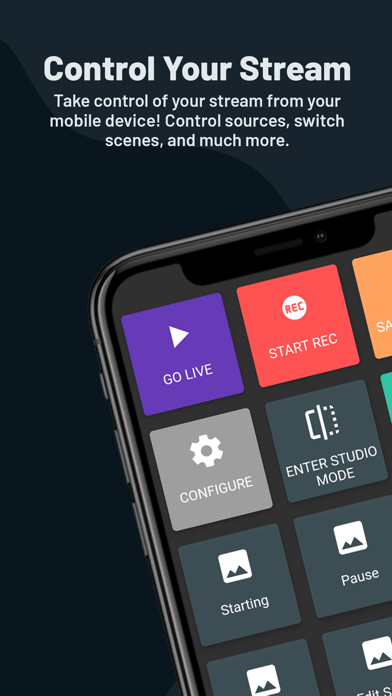
Streamlabs: Live Streaming App is a comprehensive mobile application designed to empower creators with the tools needed to effortlessly broadcast live video content from their smartphones. This app transforms your mobile device into a portable streaming studio, enabling live streams of mobile games, real-world events, and creative content directly to popular platforms like Twitch, YouTube, Kick, Facebook, and Instagram. It caters to a wide range of content creators, from avid mobile gamers looking to share their skills to vloggers and musicians seeking to connect with their audience on the go.
The app's core strength lies in its ability to facilitate high-quality live streaming without the need for complex desktop setups. Users can easily switch between front and rear cameras for various content types, personalize their streams with custom themes, logos, and text, and enhance viewer engagement through interactive alerts and widgets. Streamlabs also offers advanced features such as multistreaming to multiple platforms simultaneously (with an Ultra subscription) and disconnect protection, ensuring a seamless broadcasting experience even in challenging network conditions. Furthermore, it integrates monetization options through a dedicated Tip Page, allowing creators to receive support from their community.
Key Features
- Multistreaming: Broadcast your live video to multiple platforms like Twitch, YouTube, Kick, and more, simultaneously, maximizing audience reach and growth.
- Live Stream Games: Easily share gameplay from popular mobile titles such as Monopoly Go, PUBG Mobile, Call of Duty Mobile, and many others, directly from your phone.
- IRL Streaming: Utilize both front and rear cameras to stream high-quality video for vlogs, music performances, podcasts, or conversational content while on the move.
- Stream Personalization: Customize your live broadcast's appearance with a variety of themes, and add personal touches like your logo, images, and text overlays.
- Interactive Alerts & Widgets: Engage your viewers with real-time feedback mechanisms such as Alert Box, Chat Box, Event List, and Goals to foster community interaction.
- Disconnect Protection: Maintain your live stream continuity even if your internet connection temporarily falters, ensuring viewers don't miss out (Ultra subscription required).
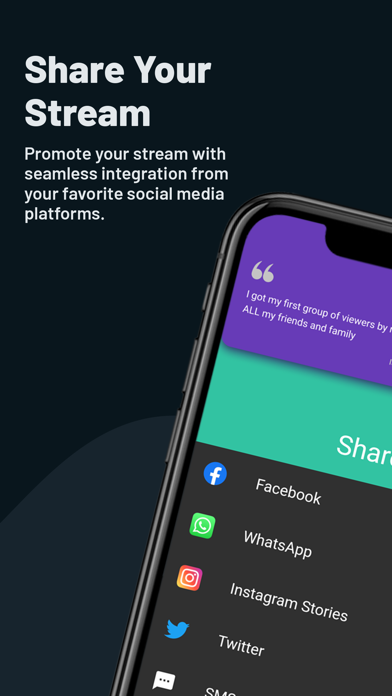
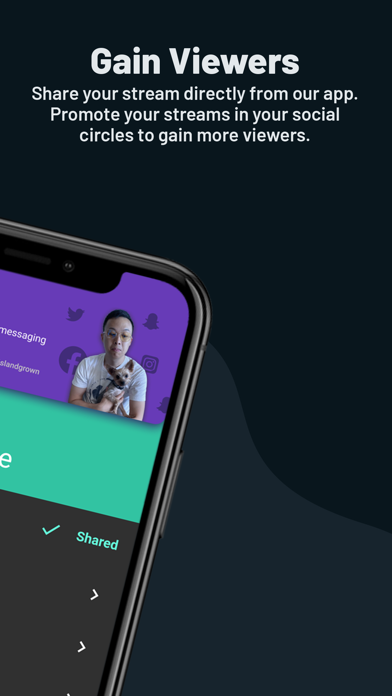
- Viewer Tipping: Set up and manage a Streamlabs Tip Page to receive financial support from your audience, complete with on-screen tip alerts.
Who It's For
Streamlabs: Live Streaming App is ideal for content creators across various genres who wish to live stream directly from their mobile devices. This includes mobile gamers eager to showcase their skills, vloggers and journalists capturing real-world events, musicians performing live, podcasters engaging with their audience, and anyone looking to share their experiences in real-time with a broad online community. It's also perfect for those seeking an all-in-one solution for streaming, engagement, and monetization without needing extensive technical knowledge or expensive equipment.