Overview
ES File Explorer stands out as a robust and multifunctional file management tool designed to streamline the organization and transfer of both local and network files. Far beyond a simple file browser, it consolidates a suite of powerful utilities, making it a comprehensive solution for digital content handling on mobile devices. Its intuitive interface aims to simplify complex tasks, from basic file operations to advanced network storage interactions.
The app goes beyond traditional file management by integrating a wide array of functionalities. Users can effortlessly compress and decompress various archive formats, enjoy media playback with advanced controls, and access multiple cloud storage services simultaneously. Furthermore, ES File Explorer caters to professional and power users with built-in editors for PDFs, novels, and even code, transforming a mobile device into a more versatile workstation. Security and data integrity are also addressed through features like an automatic backup system and a recycle bin.
Primarily categorized under "entertainment" due to its media playback and content consumption features, ES File Explorer is ultimately a productivity powerhouse. It facilitates seamless file transfers between devices via Wi-Fi or face-to-face transfer, and supports remote service access protocols like SMB, FTP, and WebDAV, ensuring connectivity and accessibility across various platforms and networks. Its iPad-specific optimizations further enhance usability with split-screen and drag-and-drop capabilities.
Key Features
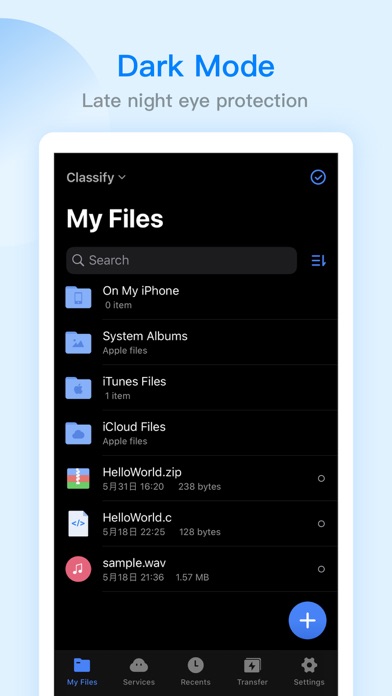
- Comprehensive File Management: Create, rename, move, delete, and sort files, with iPad-specific split-screen and drag-and-drop support.
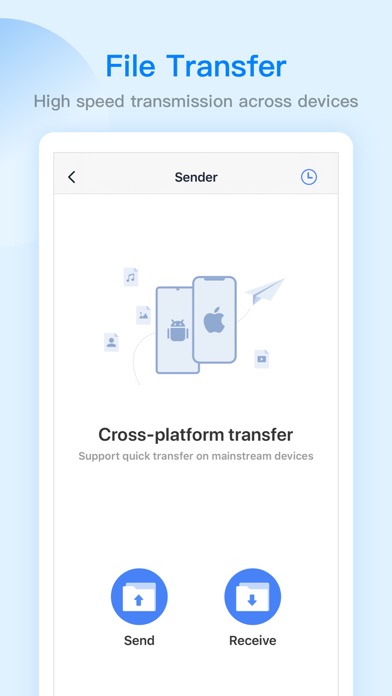
- Versatile File Transfer: Utilize Wi-Fi for mobile-to-computer transfers or face-to-face for direct mobile-to-mobile sharing.
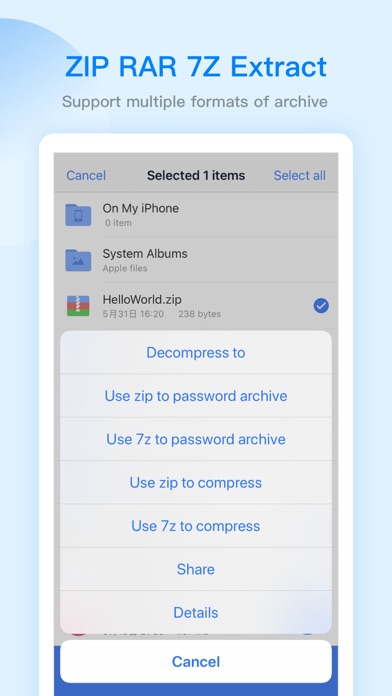
- Advanced Compression/Decompression: Handle ZIP, RAR, and 7Z formats, including support for Chinese passwords.
- Integrated Media Player: Enjoy audio and video with double-speed, background, and small window playback, directly from local or network sources.
- Multi-Cloud Aggregation: Access and manage files from popular services like Baidu Network Disk, Google Drive, OneDrive, and Dropbox, with multi-account login.
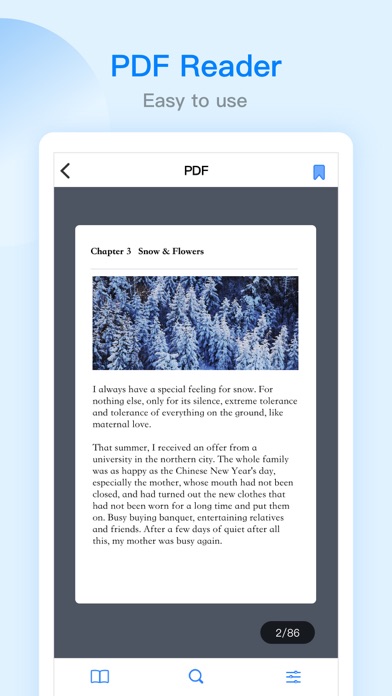
- Built-in Editors: Edit PDFs with highlight/underline tools, read novels (TXT, EPUB), and modify 47 different code formats.
- Remote Access: Connect to SMB, FTP, and WebDAV servers for extended file management capabilities.
- Data Protection & Utility: Features automatic backups to cloud/network drives, a recycle bin, a web browser, and an application lock.
Who It's For
ES File Explorer is ideal for anyone seeking a powerful and consolidated solution for file management on their mobile device. This includes everyday users who need to organize photos and documents, students and professionals who frequently work with PDFs, notes, or code, and anyone who relies on cloud storage or needs to transfer files between devices. Its extensive features also appeal to power users looking for a versatile tool that reduces the need for multiple single-purpose apps, particularly those who interact with network drives and remote servers.